

Scheduling reminders
Reminders are set per timeline entry, not globally for an event, so you only get notified about the specific parts of the day you’ve opted into.
Choosing when you’re reminded
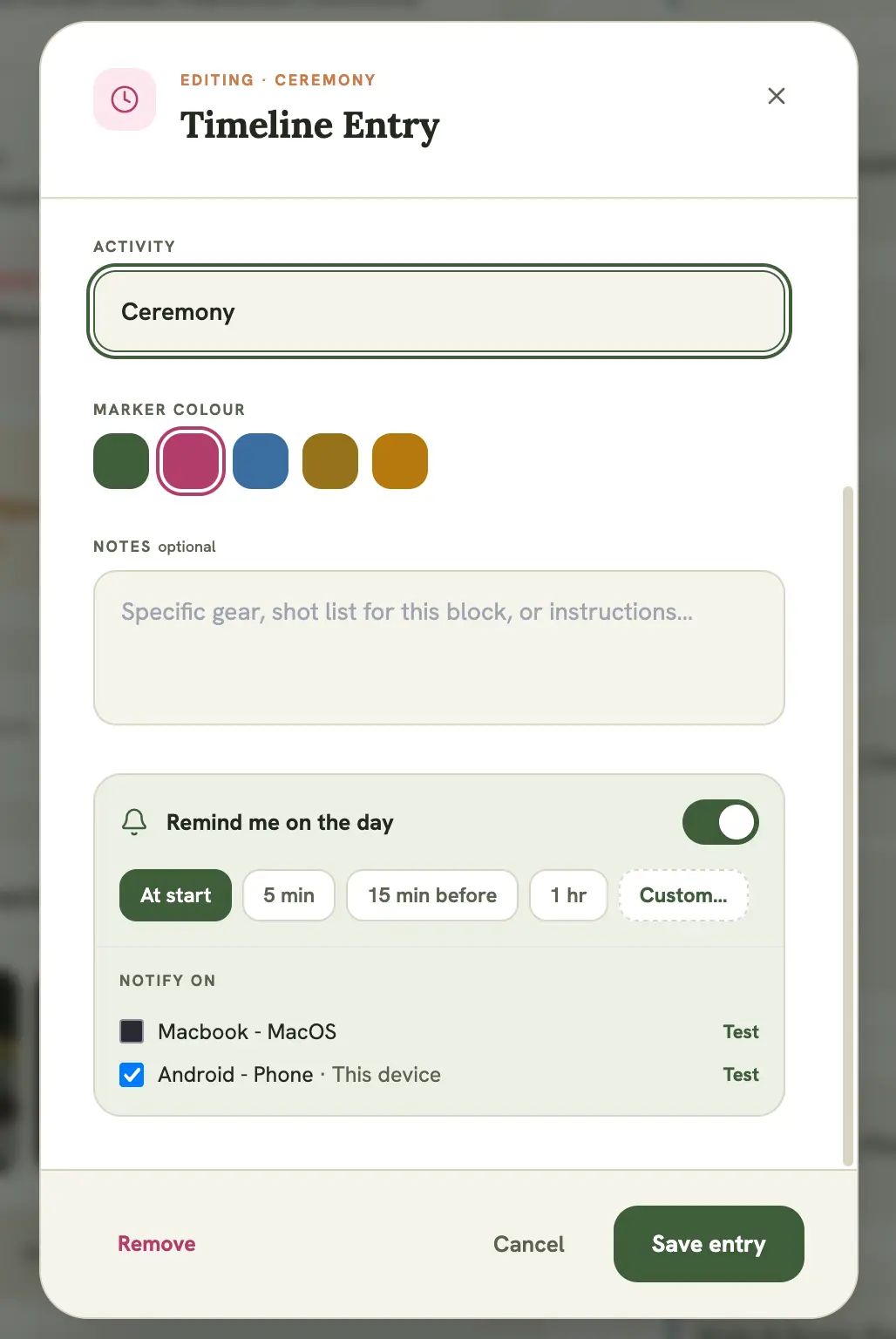
Section titled “Choosing when you’re reminded”Once you enable Remind me on the day on a timeline entry, choose how far ahead you want the reminder:
- Right at the start time
- 5, 10, 15, 30, or 60 minutes before
If the entry’s time or the event’s date changes
Section titled “If the entry’s time or the event’s date changes”If you edit a timeline entry’s time, or the event’s date moves, any reminder you’ve set for that entry is automatically rescheduled to match. You don’t need to re-enable it.
Missed a reminder?
Section titled “Missed a reminder?”If you’ve missed a notification (device was off, permissions lapsed, etc.), the event itself is still the source of truth. Check the event’s timeline, or the dashboard’s Up Next card, for what’s coming up regardless of whether a push notification came through.